From the iPad kiosk a guest walks up to, to the QR sticker on the wheelchair, to the maintenance schedule that keeps your fleet road-ready — Mobility is the rental operating system for mobility equipment at parks, attractions, and large complexes.
Request a demo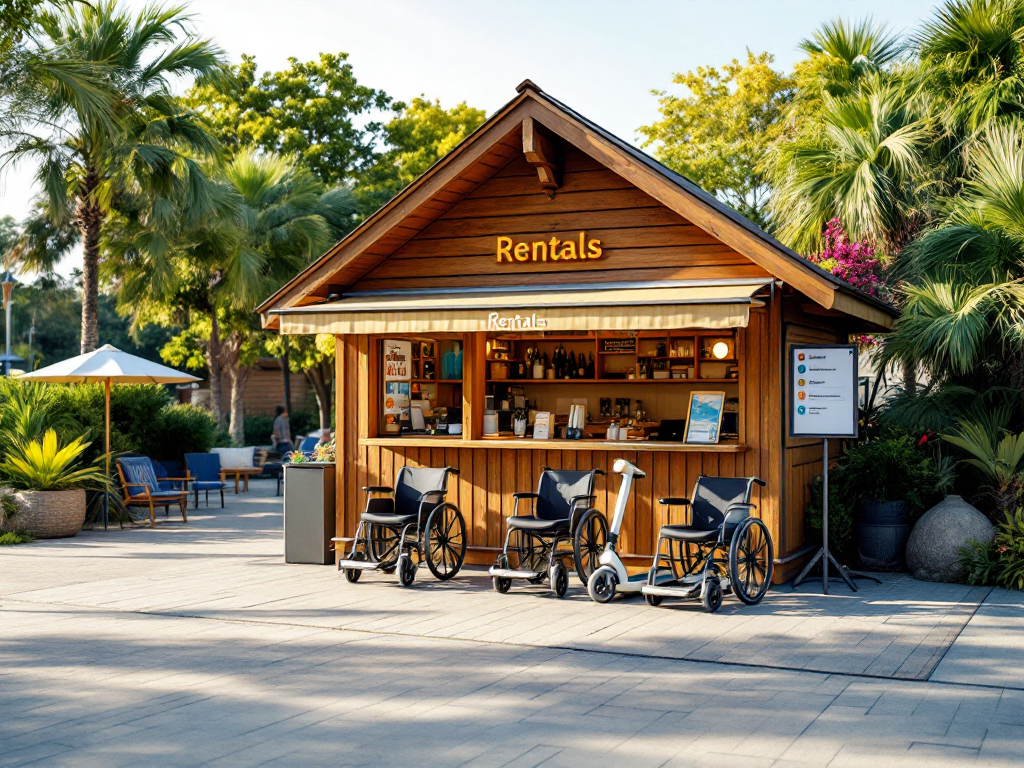
iPad intake handles verification, waivers, and ID before staff steps in.
QR-coded chairs, scooters, and strollers scanned out and back, with overdue alerts.
Scheduled service per unit and a one-tap "out of service" workflow.

The guest walks up to an iPad. The flow verifies their email and phone, walks them through the rental waiver page by page, and captures a photo of their driver's license — then hands a complete intake record to your associate to finalize.
Each page of the rental release is signed on screen. Signatures persist with the rental record — searchable from the back office, auditable for legal, and exportable when you need them.

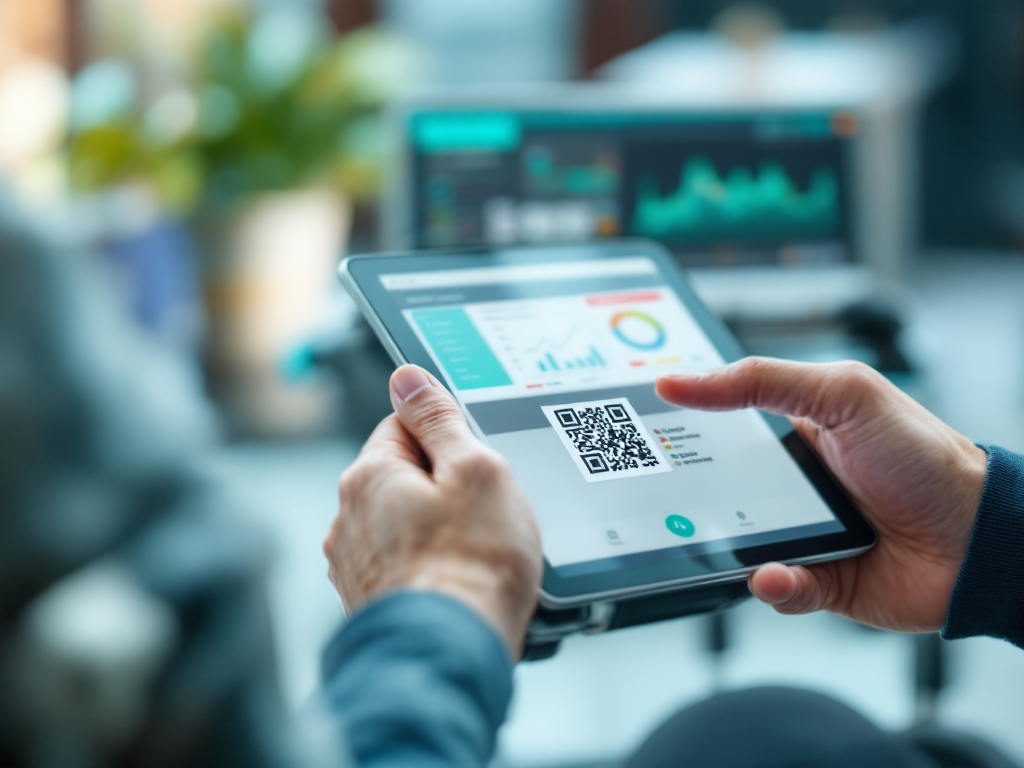
A printable QR sticker per unit. Scan it at rental to check it out to a customer. Scan it at return to check it back in. The fleet view shows what's out, who has it, and how long it has been gone — with a red callout for anything still out past the last business-day cutoff.
Each device type has a service schedule (cleaning, brake check, battery, deep clean, certification). Staff can take a unit out of service by reporting an issue against a standardized part-issue code — the unit drops from the available pool until resolved.
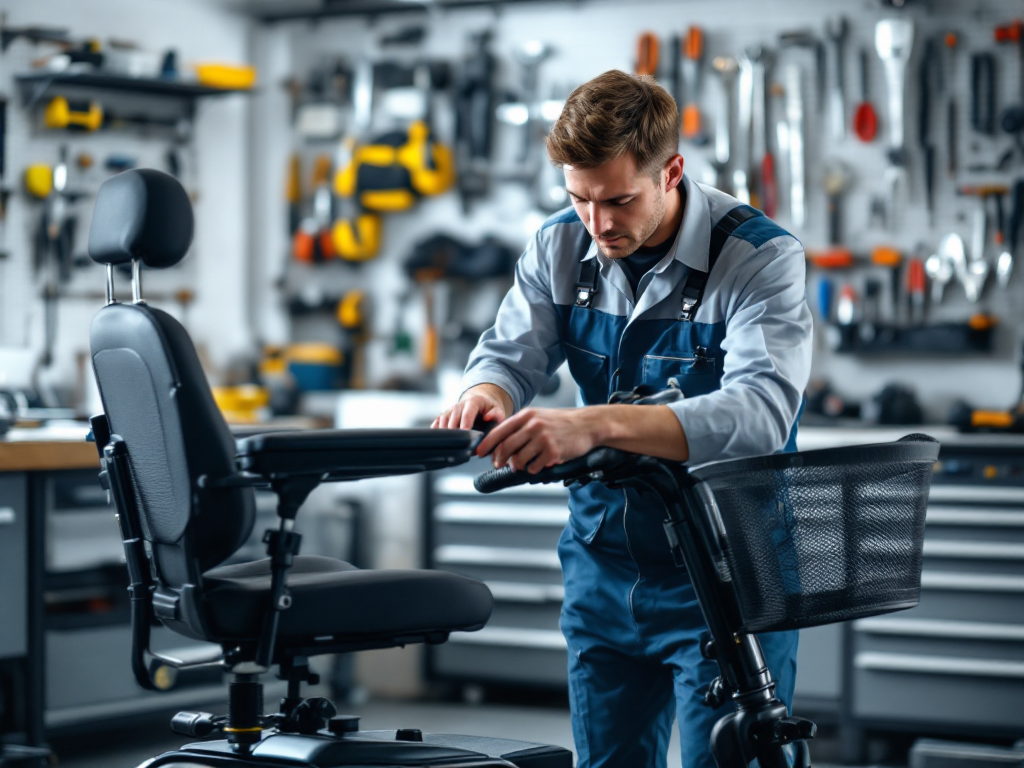
When a unit needs attention, the right module picks it up automatically.
Run ride downtime, retail visuals, mobility rentals, and ops cadence across a multi-area park.
Lightweight ticketing and mobile audits for water parks, FECs, and outdoor attractions.
Internal help desk, amenity inspections, and equipment rentals for residents.
Tell us about your operation and we'll show you how the modules fit.